
Manage Lists in the Otuvy Frontline Admin Portal
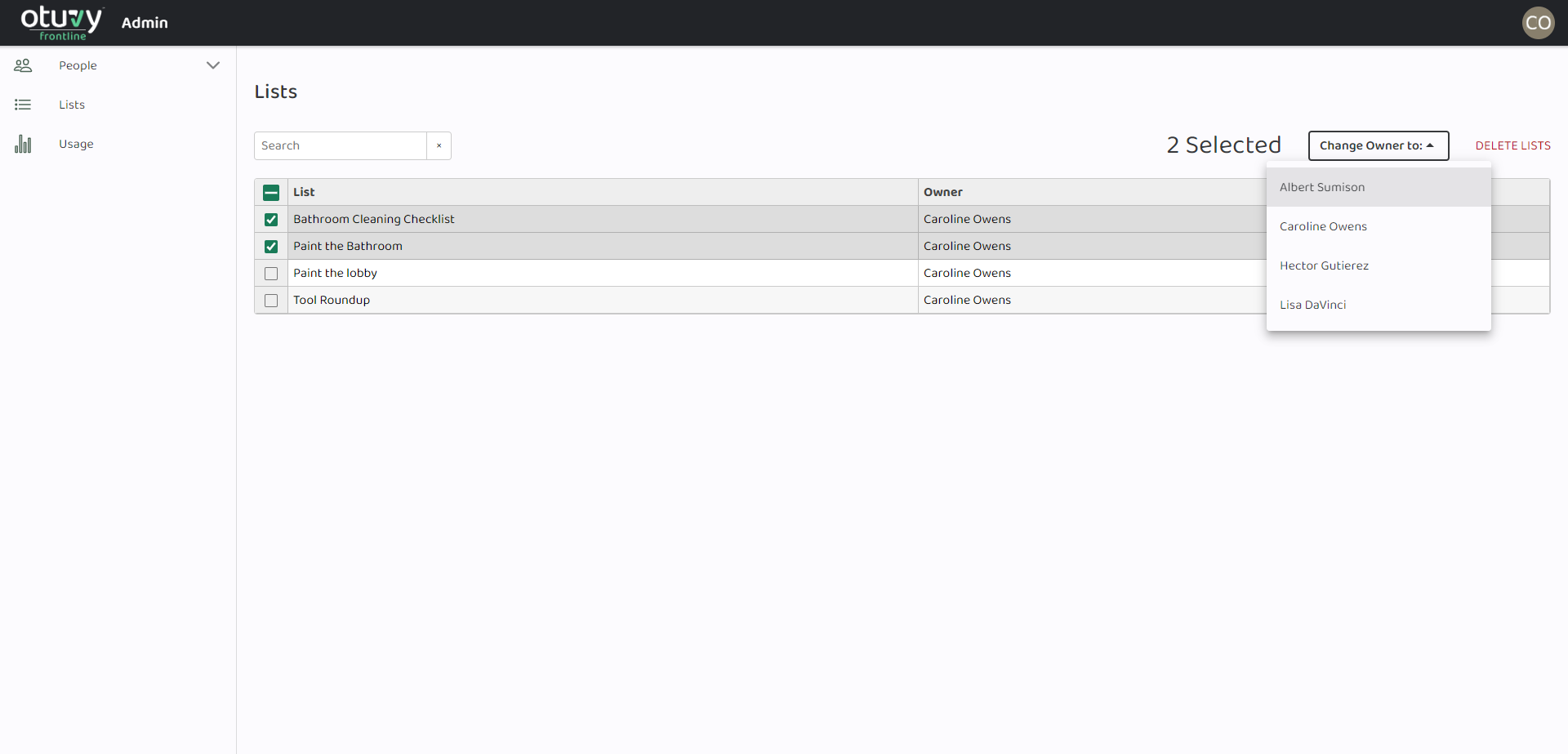
As an admin, you can manage the lists on your account in the Otuvy Frontline Admin Portal. Do this from https://admin.otuvyfrontline.com/lists
Want to learn about managing your lists in the mobile app? Check out Creating Lists in Otuvy Frontline Mobile and Manage Tasks in Otuvy Frontline Mobile

- Log into the Otuvy Frontline Admin Portal
- Click on Lists from the main navigation to the left of the page
- Select the list(s) you want to manage
- Make applicable changes
- You can either change the owner of a list or delete the list