
Usage Tracking in the Otuvy Frontline Admin Portal
A basic usage report is available from the admin portal. To view this report log into the admin portal and click Usage from the main navigation (https://admin.otuvyfrontline.com/usage)
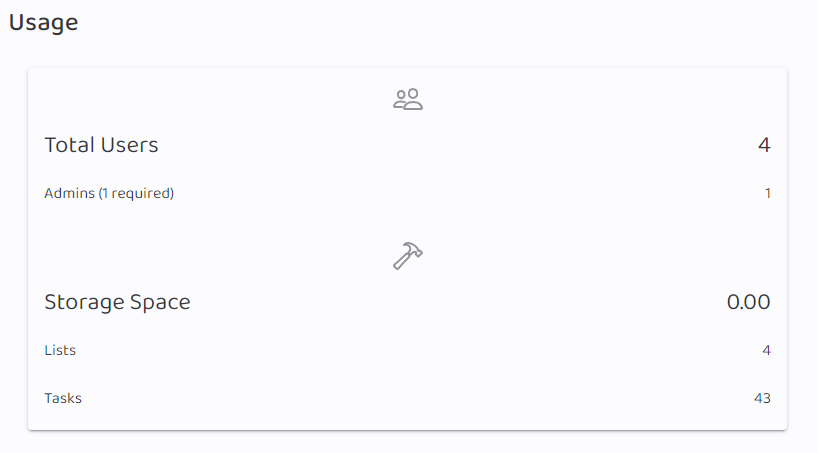
This report showcases the following details:
- Total Users: All the users in the account
- Admins: How many of those users have admin access including the ability to log into the admin portal
- Storage Space: How much disk space is being used by your images added to your tasks.
- Lists: Total number of lists in the account
- Tasks: Total number of tasks in the account spread across all the lists
Better reporting can be found in the mobile app. To learn about it, see Reporting in Otuvy Frontline Mobile
